> For the complete documentation index, see [llms.txt](https://help.tillit.cloud/tillit/llms.txt). Markdown versions of documentation pages are available by appending `.md` to page URLs; this page is available as [Markdown](https://help.tillit.cloud/tillit/knowledge-base/setting-up-tillit/integrations/wire-flow/secrets-and-security.md).
# Secrets & Security
How to manage credentials and secrets in Wire Flow for authenticating HTTP requests and securing workflow executions.
Credentials for HTTP tasks are stored securely as managed connections, scoped to your tenant, with automatic OAuth token refresh where applicable.
## Opening the Secrets Manager
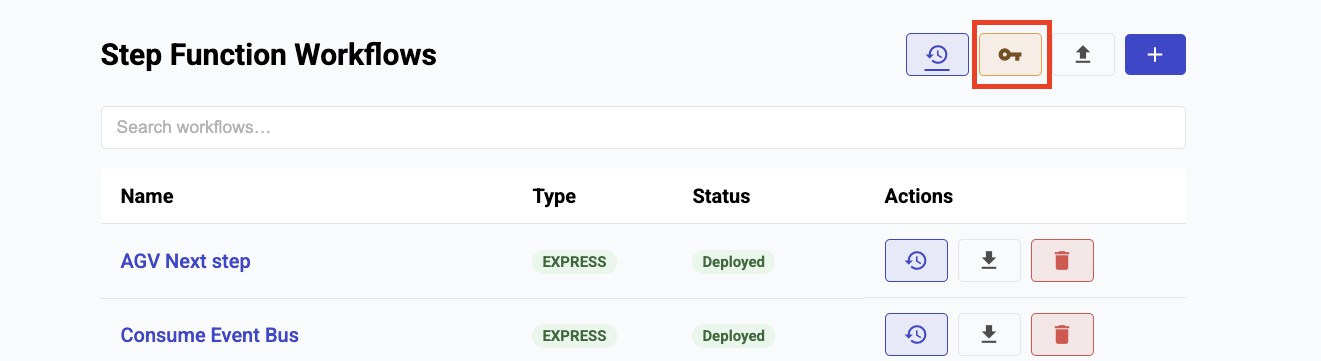
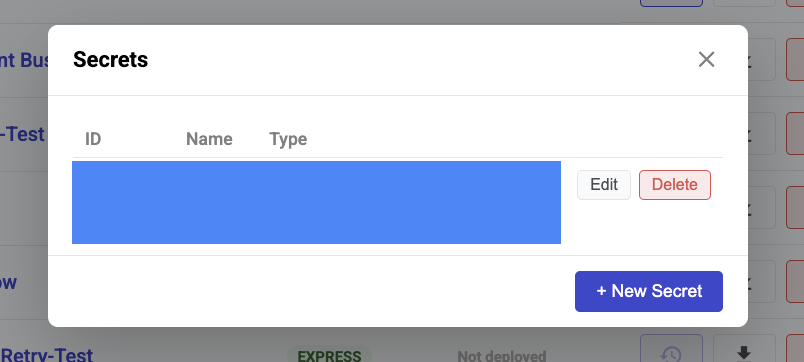
Click ***Secrets*** on the Workflow List page.
## Creating a Credential
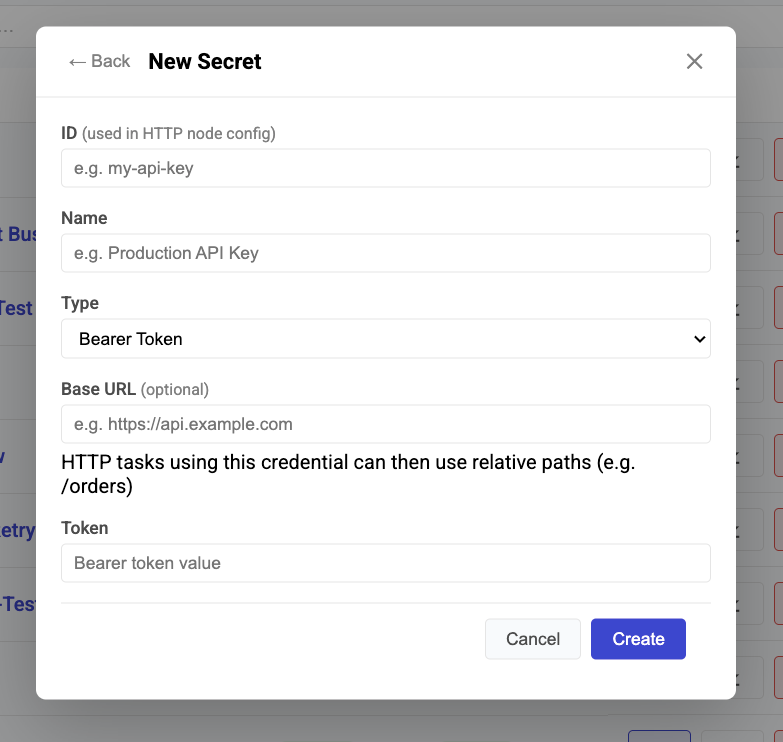
1. Click ***+ New Secret***.
2. Fill in the **ID** (unique identifier used in the workflow) and **Name** (human-readable label).
3. Select a **Type** and enter the credential details.
4. Click ***Create***.
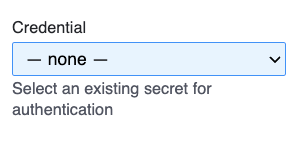
The new credential will appear in the **Credential** dropdown when configuring an HTTP task.
## Credential Types
| Type | Fields | How it works |
| ---------------------------- | ------------------------------------------------------------- | ---------------------------------------------------------------------------- |
| **Bearer Token** | Token value | Sends `Authorization: Bearer ` with each request |
| **API Key** | Key value | Sends `Authorization: ApiKey ` with each request |
| **Basic Auth** | Username, Password | Sends encoded username/password credentials with each request |
| **OAuth Client Credentials** | Token endpoint, Client ID, Client Secret, Scopes, HTTP Method | Exchanges credentials for an access token automatically; refreshes on expiry |
## Connection Status
| Status | Meaning |
| ---------------- | ----------------------------------------------------- |
| **AUTHORIZED** | Active and ready to use |
| **CREATING** | Being provisioned |
| **DEAUTHORIZED** | Credentials are invalid (e.g., expired client secret) |
## Security Limits
| Protection | Limit |
| ----------------- | ------------------ |
| Execution input | 256 KB |
| Workflow file | 1 MB |
| File upload | 50 MB |
| HTTP response | 10 MB |
| Fetch timeout | 30 seconds |
| Task count | 100 per workflow |
| Execution timeout | 300 seconds |
| API throttle | 10 req/s, 50 burst |
## JS Executor Sandbox
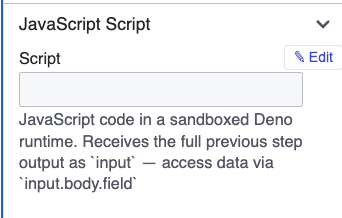
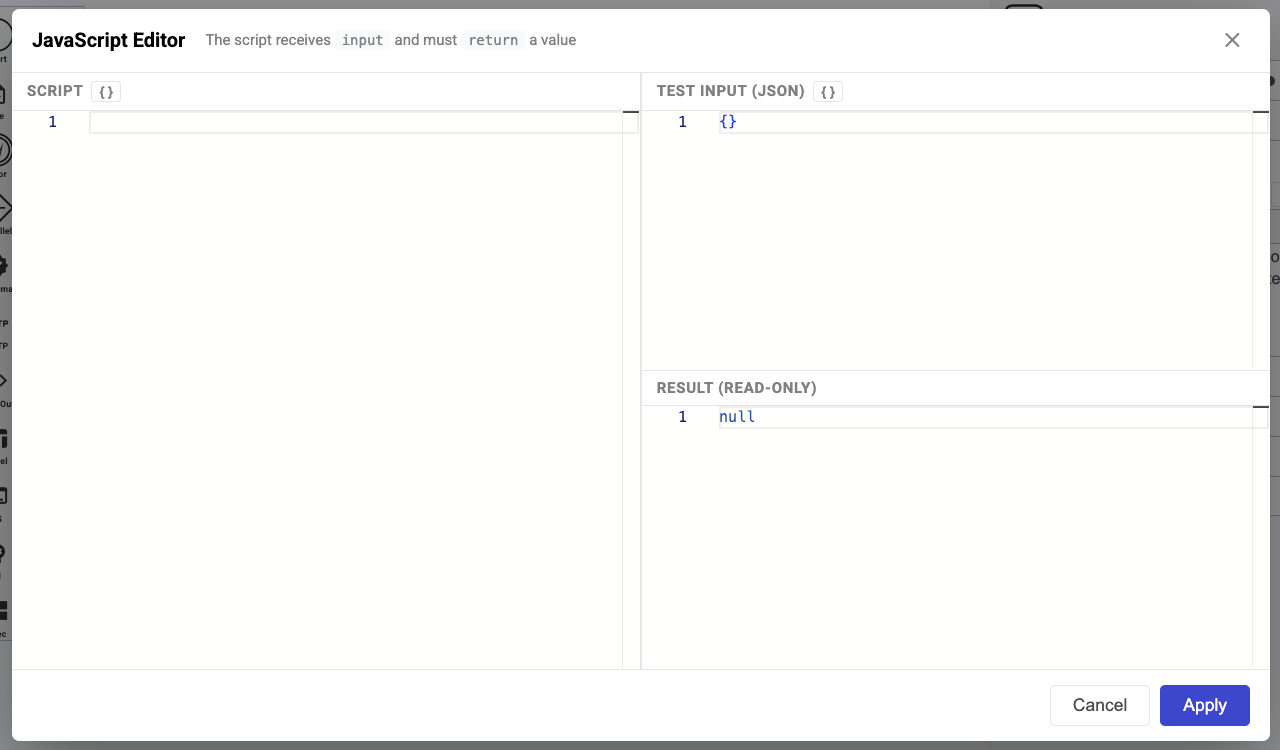
Click ***Edit*** in the JavaScript Script section of the Task Properties panel to open the code editor.
The editor runs JavaScript in a fully isolated environment: no network access, no environment variable access, no subprocess spawning, and no filesystem writes. It can only transform the data passed in.