> For the complete documentation index, see [llms.txt](https://help.tillit.cloud/tillit/llms.txt). Markdown versions of documentation pages are available by appending `.md` to page URLs; this page is available as [Markdown](https://help.tillit.cloud/tillit/knowledge-base/setting-up-tillit/activity-templates/activity/elements/data-types/material.md).
# Material
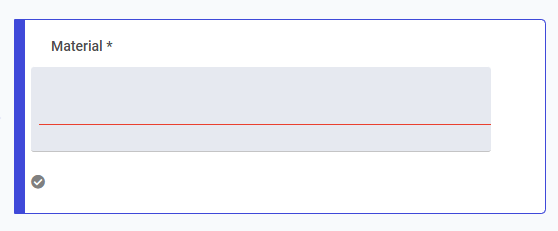
The **Material** data type allows users to enter either the Material's **External ID** or **Barcode Reference** to check it whether it exists in the order's BOM (See [Order Template](/tillit/knowledge-base/setting-up-tillit/asset-hierarchy/order-template.md)).
After creating the item, it should look like this: