> For the complete documentation index, see [llms.txt](https://help.tillit.cloud/tillit/llms.txt). Markdown versions of documentation pages are available by appending `.md` to page URLs; this page is available as [Markdown](https://help.tillit.cloud/tillit/knowledge-base/setting-up-tillit/activity-templates/activity/elements/data-types/activity-assistant.md).
# Activity Assistant
## Navigation
Under the "Visual" Item Type.
### **What it does**
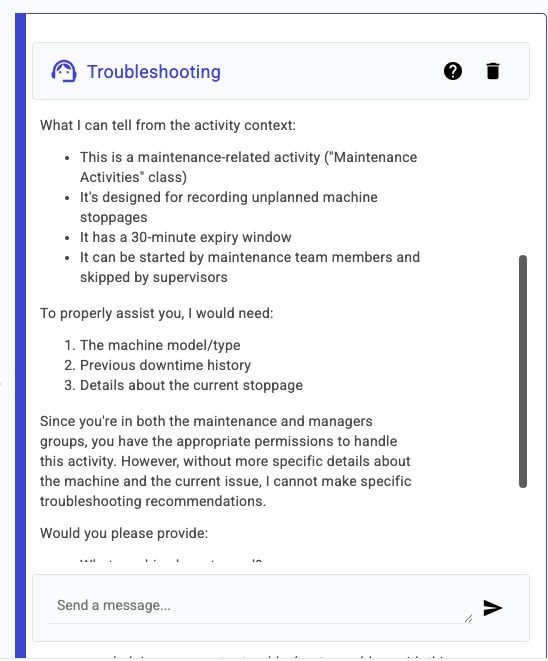
The Activity Assistant provides real-time guidance to help you complete your assigned activities accurately and efficiently. It has access to your current order, activity structure, and asset information.
### Best Practices
The assistant works best with clear activity templates. Add descriptive names to activity items instead of generic codes.
Example:
* ❌ "Param\_A"
* ✓ "Welder temperature set point (°C)"
The better your template setup, the more helpful the assistant can be. It can only provide information it was given.