> For the complete documentation index, see [llms.txt](https://help.tillit.cloud/tillit/llms.txt). Markdown versions of documentation pages are available by appending `.md` to page URLs; this page is available as [Markdown](https://help.tillit.cloud/tillit/knowledge-base/scheduler/data-templates/changeovers.md).
# Changeovers
Configure changeover times between production orders based on material properties.
A changeover represents the time it takes to transition from one production order to the next. This time typically varies depending on the characteristics of the two orders — for example, switching between different colours or product sizes.
## Navigation
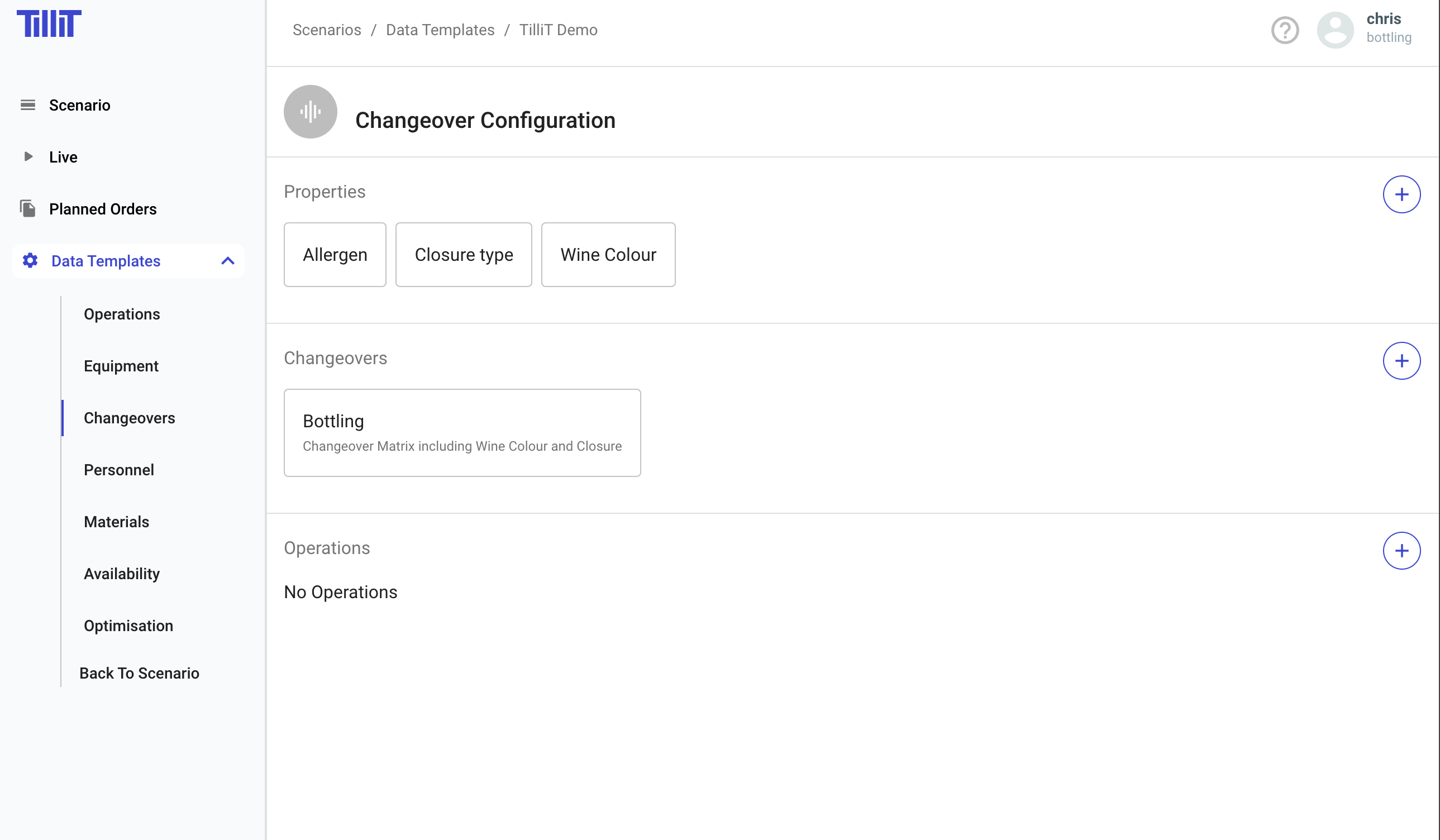
***Scheduler*** > ***Data Templates*** > select a template > ***Changeovers***
## Configuring Changeovers
Changeover configuration involves three steps: creating properties, defining changeover sets, and assigning them to equipment.
### Creating a Property
Properties define the material attributes that drive changeover times. The property name must match a [Material](/tillit/knowledge-base/scheduler/data-templates/materials.md) property or order property name.
{% stepper %}
{% step %}
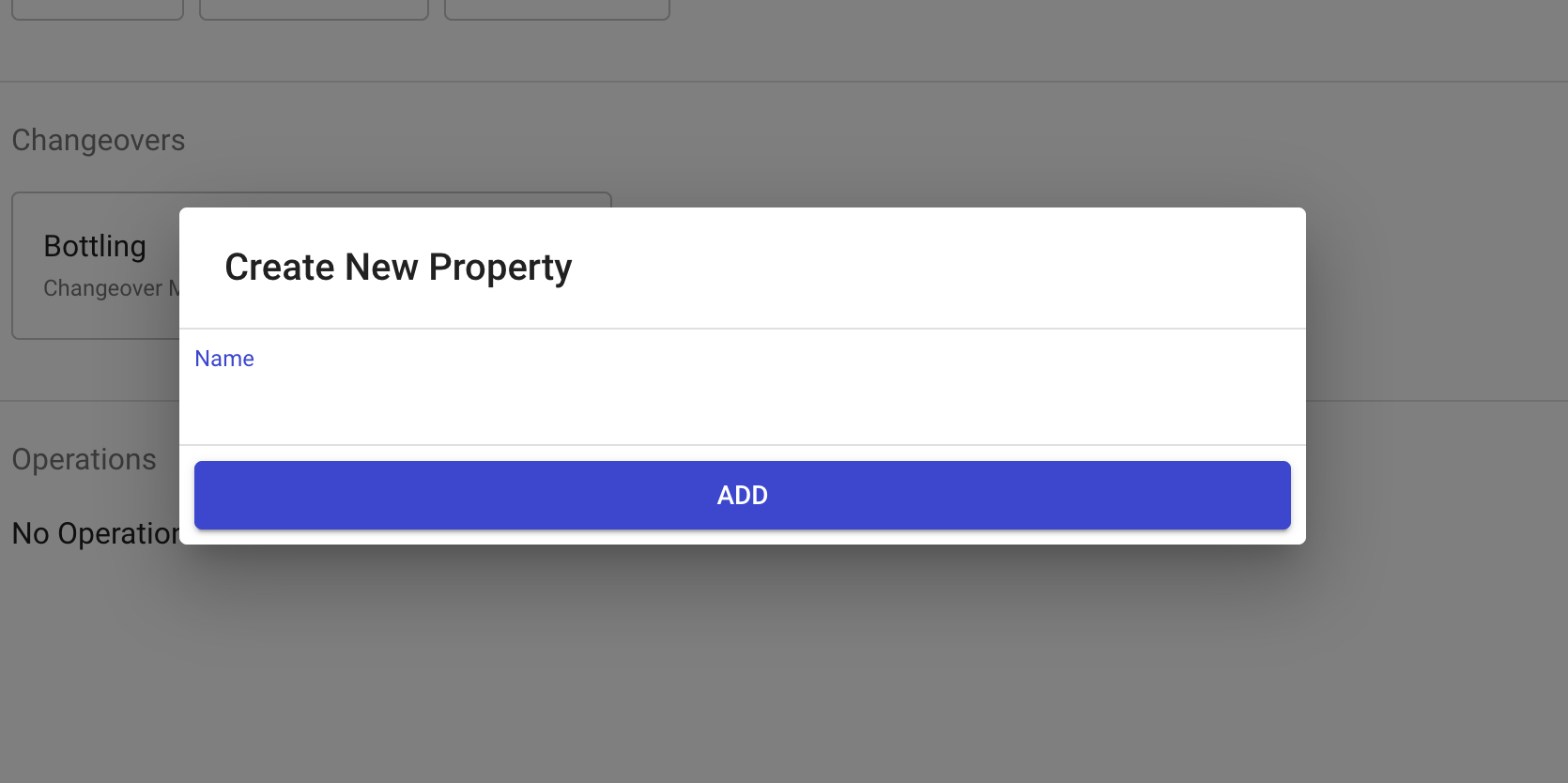
Enter a **Property Name** and click **Add**.
{% endstep %}
{% step %}
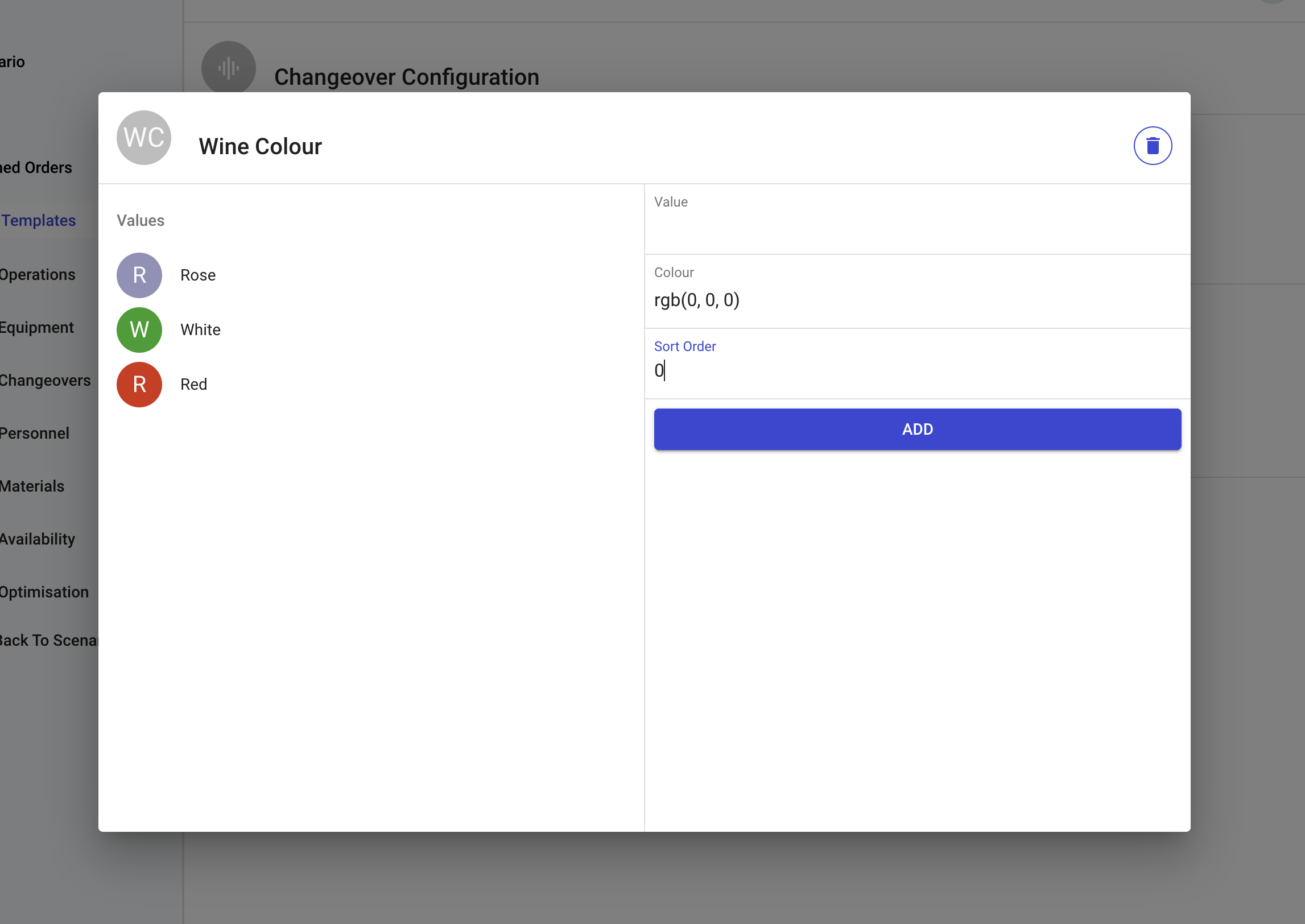
Double-click the property to assign **Values** and **Colours**.
{% endstep %}
{% endstepper %}
The colour assigned to each value is displayed on the scheduling Gantt chart to visually distinguish different material attributes.
{% hint style="info" %}
When evaluating material properties, the Scheduler also considers the properties of any raw material in the operation/route/segment. If the changeover is driven by a raw material characteristic, you can use a property from the raw material to determine the changeover duration.
{% endhint %}
### Creating a Changeover Set
A Changeover Set defines the time required to transition between different property values, forming a changeover matrix.
{% stepper %}
{% step %}
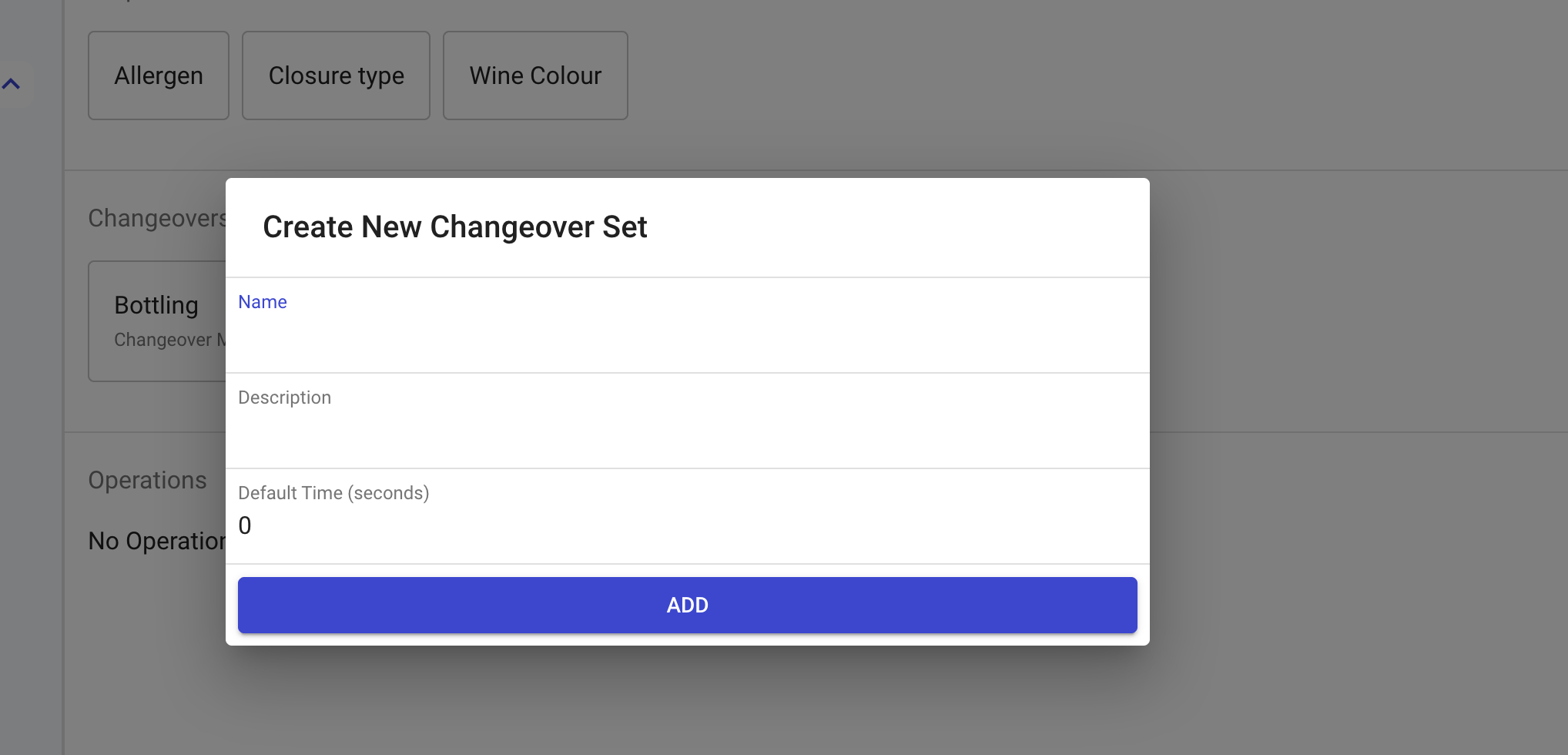
Click the **+** button to create a new changeover set.
{% endstep %}
{% step %}
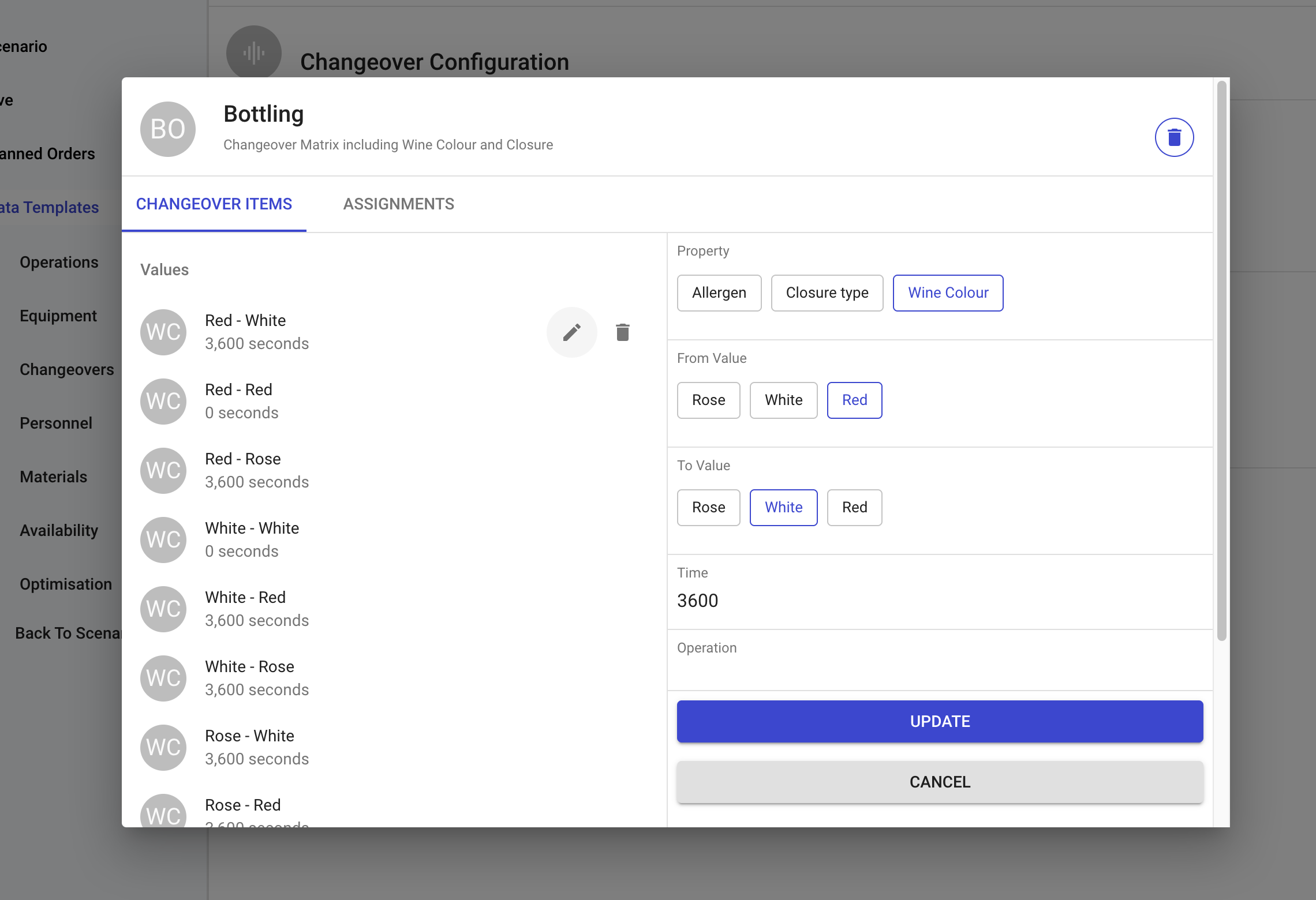
Define the **From Value**, **To Value**, and **Time** (in seconds) for each transition.
{% endstep %}
{% endstepper %}
{% hint style="info" %}
You can set a **Default Changeover Time** that applies when no specific property-to-property changeover time is configured.
{% endhint %}
**Example — Wine bottle colour changeover:**
The optimiser uses this matrix to find efficiency opportunities when sequencing orders.
### Assigning to Equipment
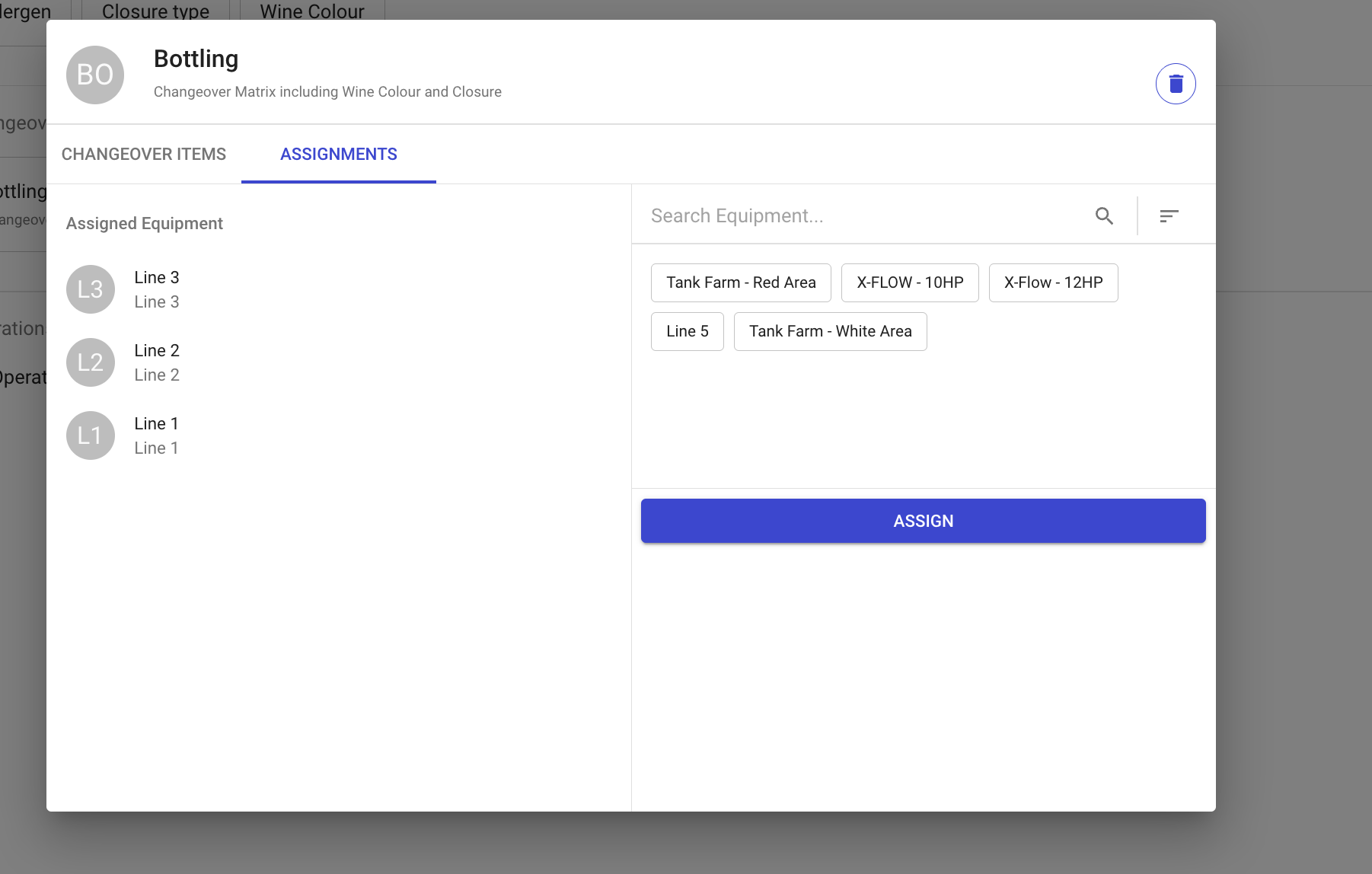
The final step is to assign a changeover set to specific equipment. Different equipment can use different changeover sets depending on their requirements.