> For the complete documentation index, see [llms.txt](https://help.tillit.cloud/tillit/llms.txt). Markdown versions of documentation pages are available by appending `.md` to page URLs; this page is available as [Markdown](https://help.tillit.cloud/tillit/knowledge-base/everyday-usage/default-landing-page-and-pinned-assets.md).
# Default Landing Page and Pinned Assets
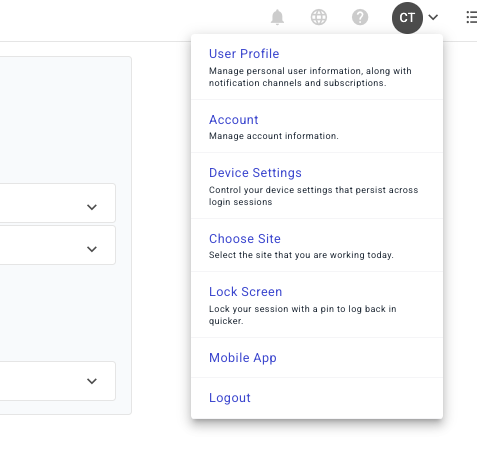
To set a default landing page, click on your profile and click "Device Settings".
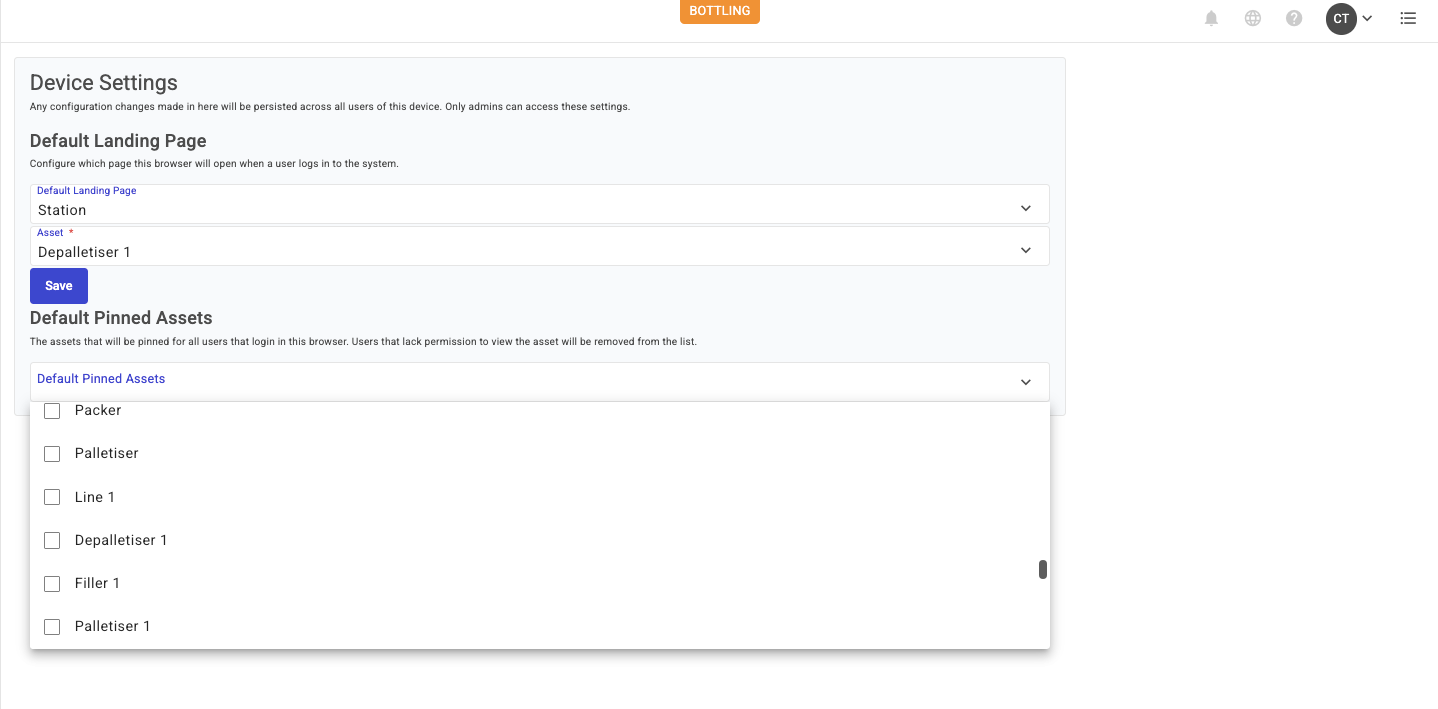
You will be presented with settings like the ones below.
* **Device Settings**
* Any configuration changes made in here will be persisted across all users of **this device.** Only admins can access these settings.
* **Default Landing Page**
* Configure the default landing page displayed in this browser after a user logs in to the system.
* **Default Pinned Assets**
* Assets pinned in this browser are available to all users logging into it. If a user does not have permission to access an Asset, it will be removed from their pinned Assets list.