> For the complete documentation index, see [llms.txt](https://help.tillit.cloud/tillit/llms.txt). Markdown versions of documentation pages are available by appending `.md` to page URLs; this page is available as [Markdown](https://help.tillit.cloud/tillit/knowledge-base/everyday-usage/activities/quick-start-activity.md).
# Quick-Start Activity
Use a QR code to instantly open and submit a pre-populated activity form in TilliT.
The **Quick-Start Activity** feature combines activity creation and submission into a single step. Using a QR code, users can scan directly to a pre-populated activity form for a specific activity type and asset — no manual selection required.
## How it works
{% stepper %}
{% step %}
Manually start an activity by clicking the ***Create*** button and selecting ***Start Activity***.
{% endstep %}
{% step %}
Fill in the asset, order, and activity type details.
{% endstep %}
{% step %}
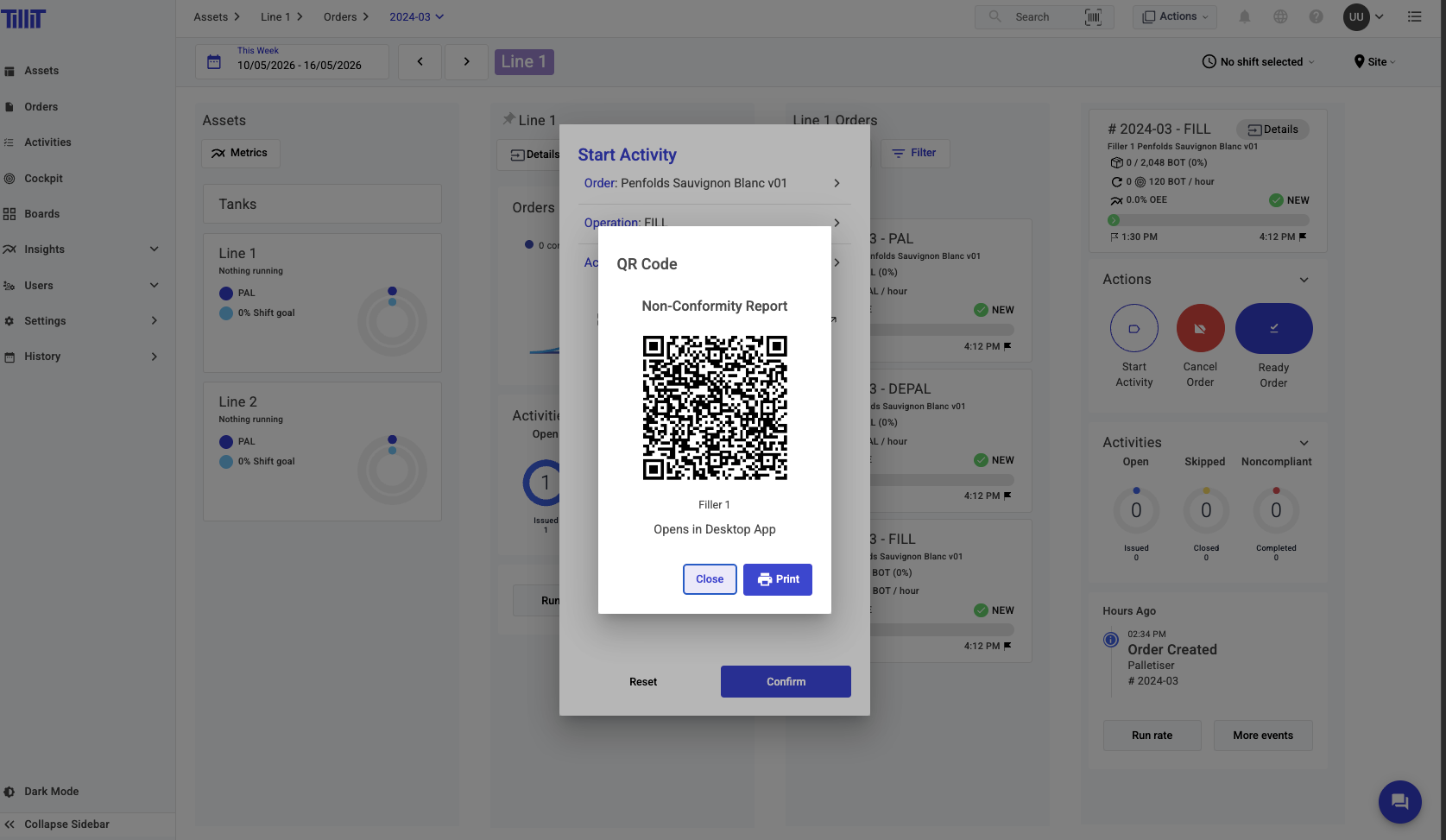
When prompted, select the option to generate a QR code for this activity.
{% endstep %}
{% endstepper %}
{% hint style="info" %}
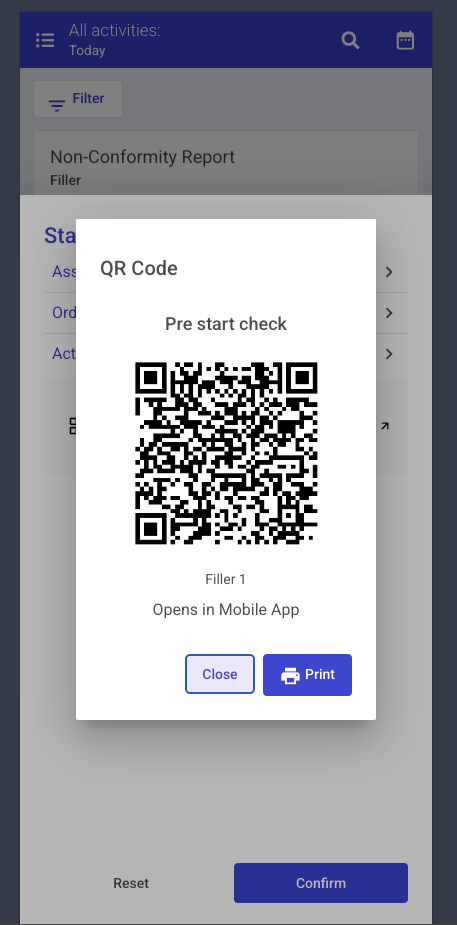
A QR code created from the desktop version of TilliT can be used on both desktop and mobile. A QR code created from the mobile version can only be used on TilliT Mobile.
{% endhint %}
### Desktop QR code
QR code generated on desktop
### Mobile QR code
QR code generated on mobile
## Scanning the QR code
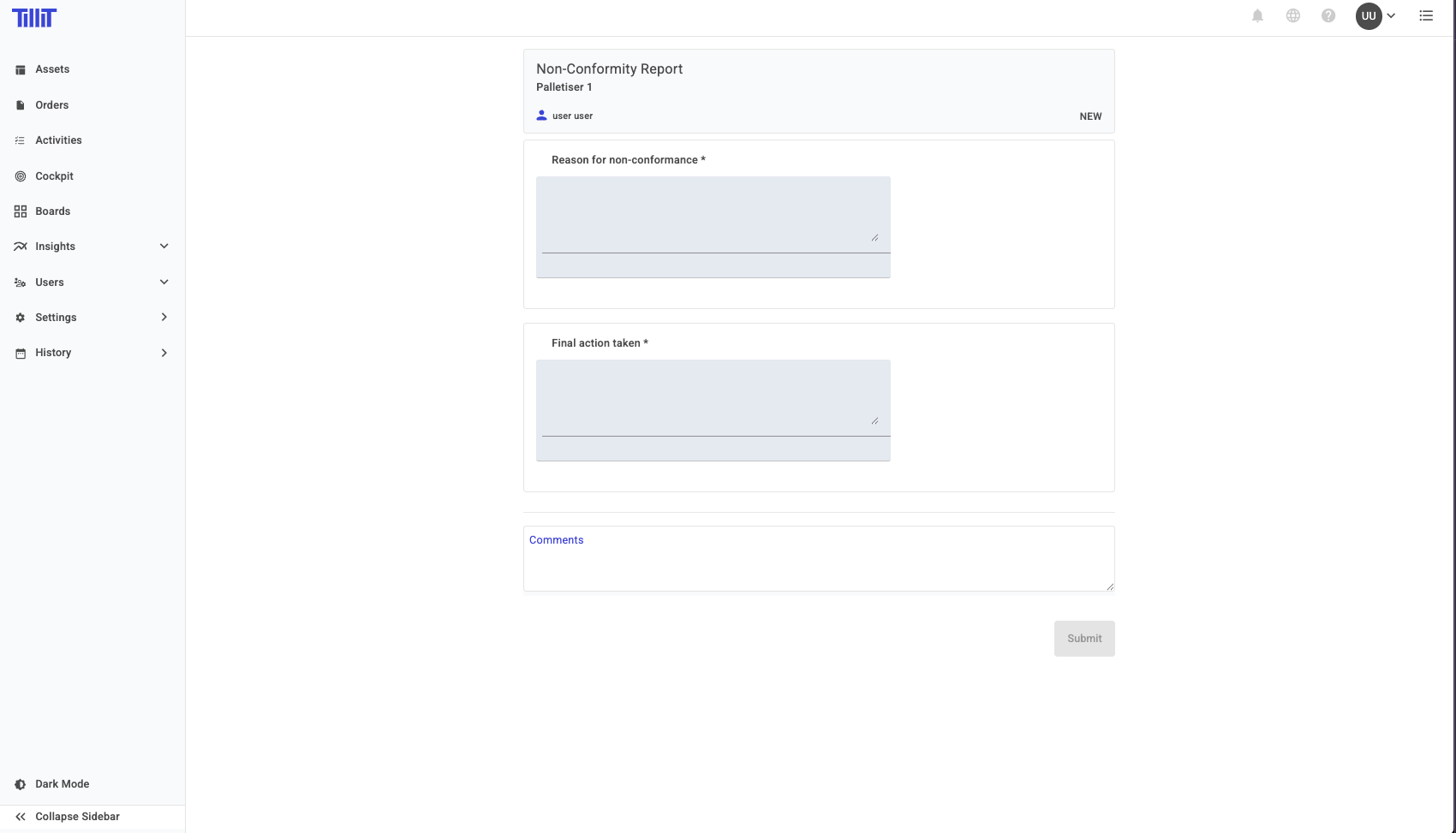
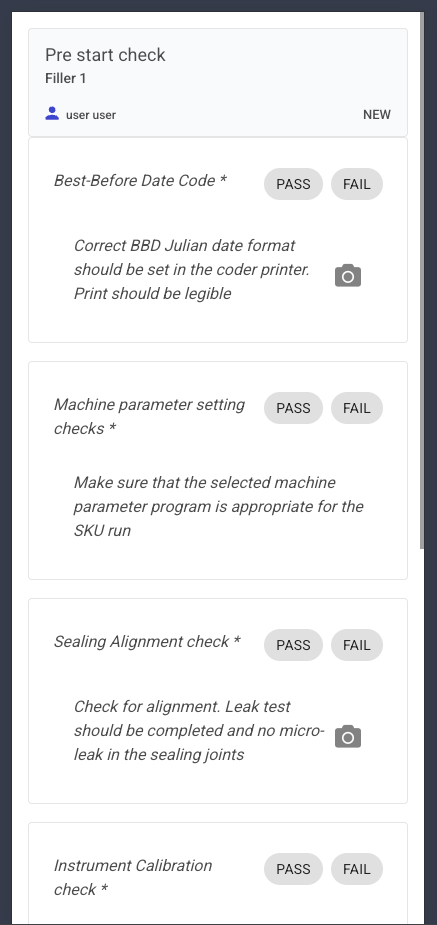
When a user scans the QR code, an activity form opens immediately with all the configured details pre-populated. Simply complete the form and submit — the activity is created and completed in a single operation.
### Desktop view after scanning